Custom Kids’ Podcasts With NotebookLM
A few years back, I took the family on a road trip from Florida up to Charleston, SC. My original plan to rely on audiobooks failed spectacularly, and in a desperate play for some sanity we introduced the children to a few kid-friendly podcasts. It took some searching, but we found some options that made the drive tolerable, at the cost of introducing a few I never knew existed. Even though that road trip was years back, the cursed podcasts have lingered; there’s one specific podcast that covers niche content my son loves, but it’s intolerable for adults.
In my desperation, I started looking into creating a podcast that could serve as a substitute. I found Google’s NotebookLM, an AI-powered tool with a neat feature that can generate a podcast-style overview of the sources saved into the notebook.
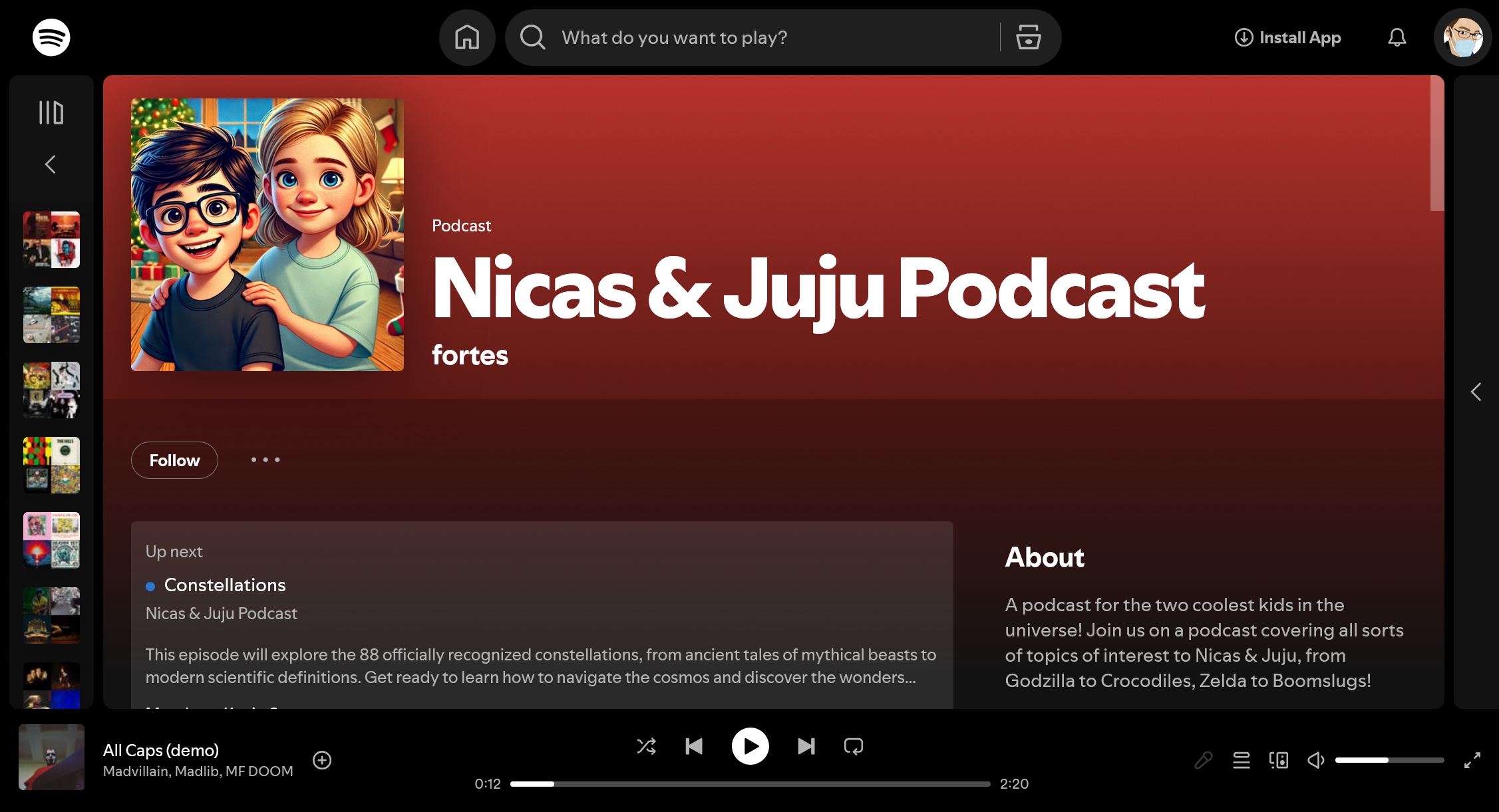
The AI-generated content and voices aren’t going to win an award any time soon, but they’re surprisingly decent and of higher quality than the majority of kid-friendly podcasts out there.
The tool is currently free, and creating a podcast tailored to your interests only takes a few minutes, here are the steps:
Creating a New Notebook
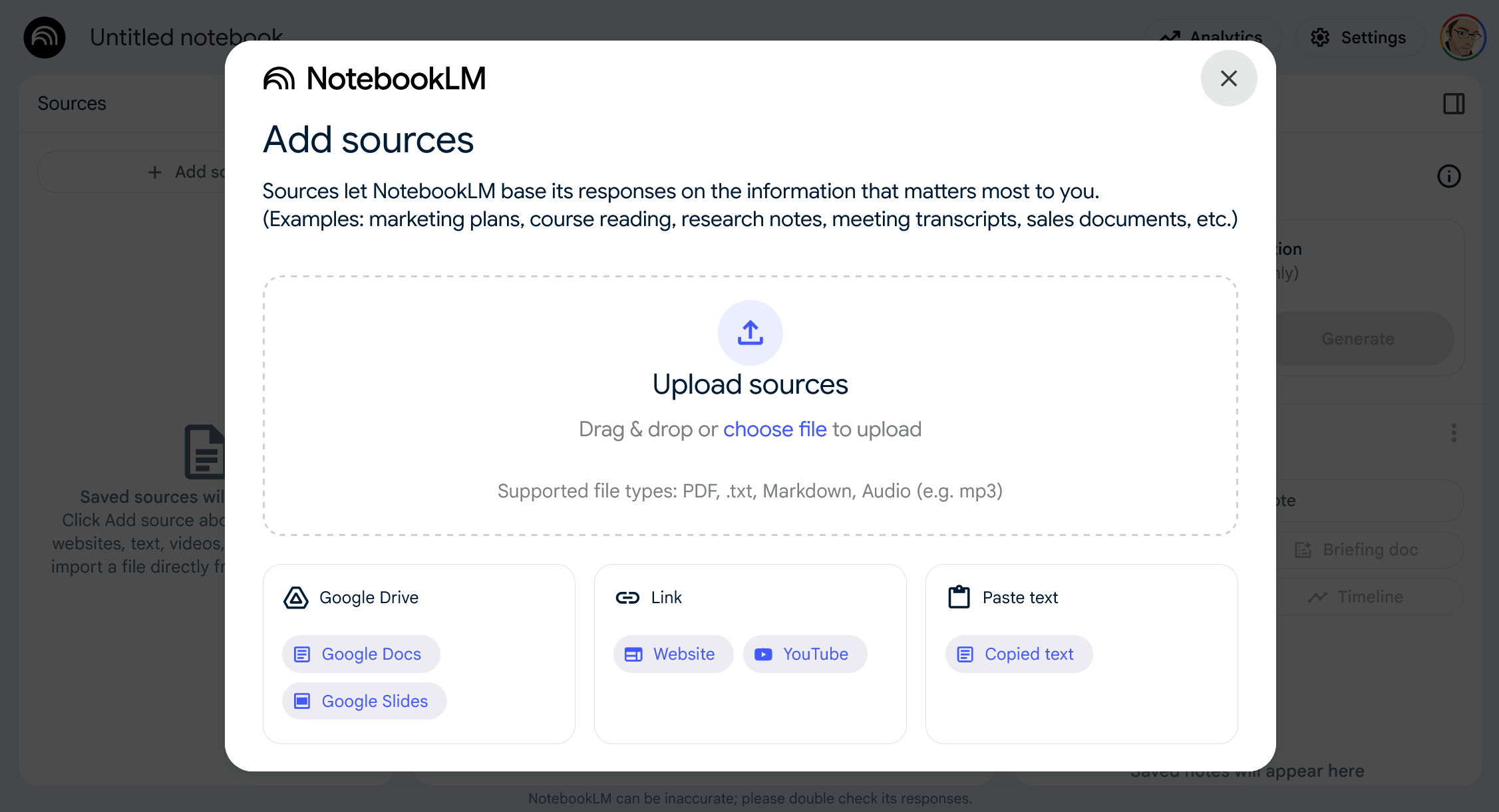
To get started, head over to NotebookLM and sign in with your Google account. Once you’re in, click on the “Create a notebook” button and you’ll be prompted to begin adding some sources.
Adding Sources
This is the most important step in the process. You need to pick a compelling topic and feed information into the notebook for it to synthesize.
Here are some things I’ve found work well:
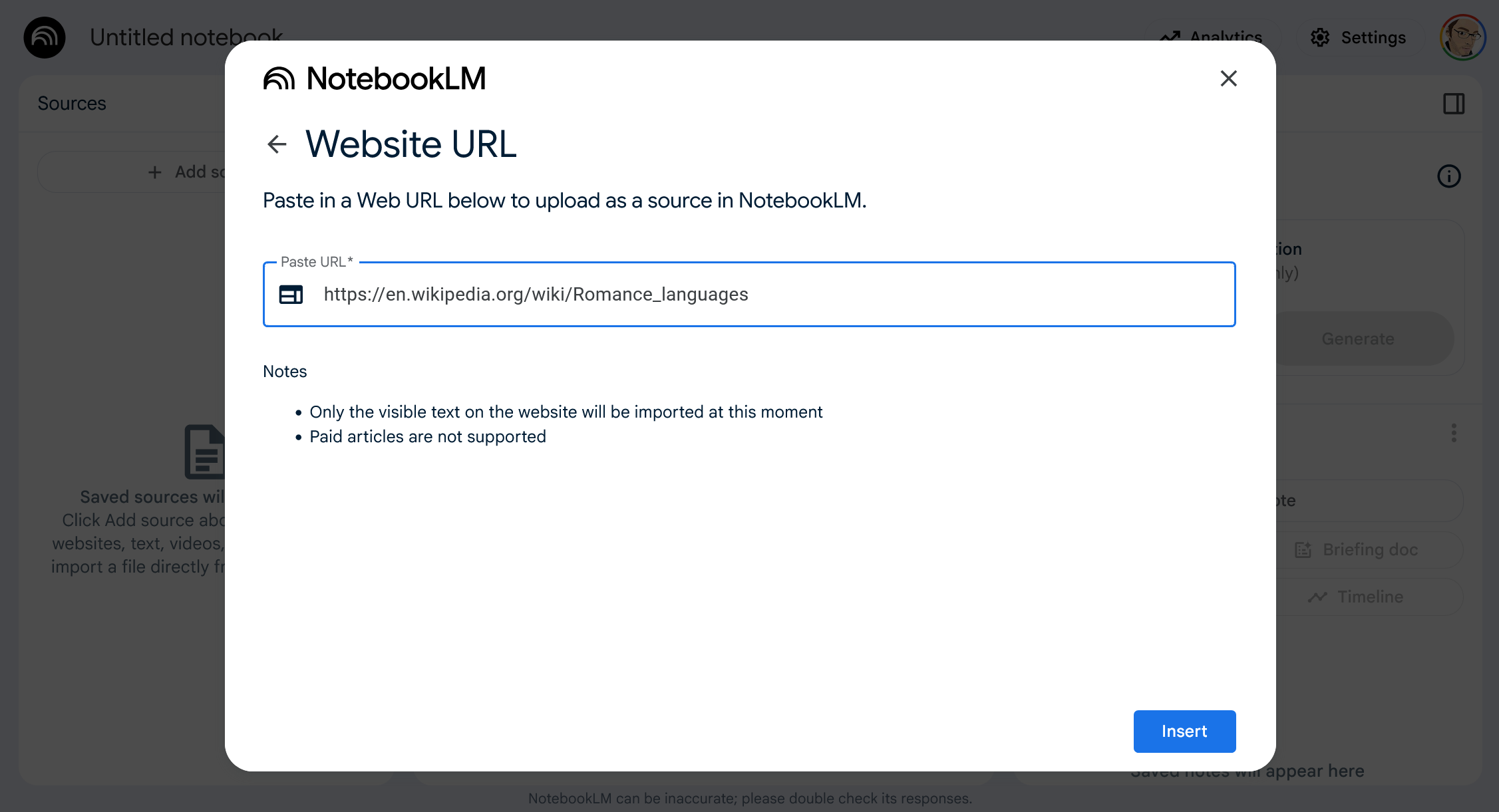
I recommend starting with the Wikipedia page for the topic you’ve chosen. NotebookLM has very good support for Wikipedia, and it serves as a good general overview of the topic. Depending on the topic, I often add a few more Wikipedia pages to provide more depth and related content.
I’ll then do a quick search on the topic, sometimes adding “for kids” to the search query. Results here will vary, but as long as something looks fairly reasonable, I’ll dump it in as a source. I’ll admit I don’t always invest a lot of time vetting each source, so there’s a slight risk of including something less than factual about the diet of a Parasaurolophus. It’s a risk I’m willing to take.
For certain links, you might get an error saying it is unable to be imported. Usually, this isn’t a big deal since you likely have a lot of sources with overlapping information. If it’s something really important for your topic, you can add it manually by copying the text and pasting it in as a source.
YouTube videos can be a great option as well, I assume that’s a huge advantage of this tool being created by Google.
As a last resort if I’m having issues finding good sources, I’ll have ChatGPT or Claude generate a summary of the topic and copy-paste that in as a source.
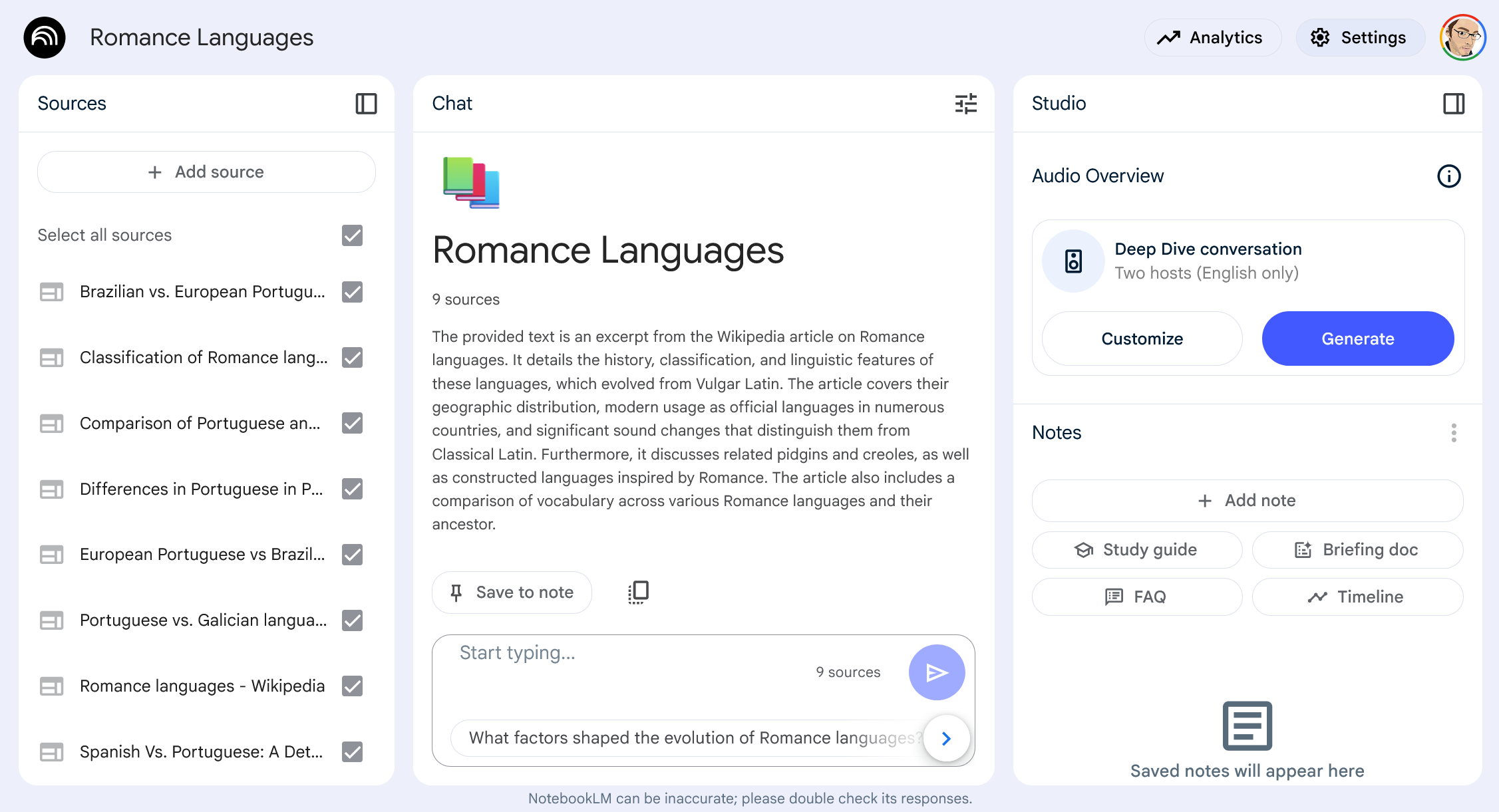
Once you’ve added a bunch of sources, you’ll see them all listed and you can use the chat interface to ask questions about the topic.
Generating the Podcast
Now that you’ve got your sources, we can work on generating the actual podcast.
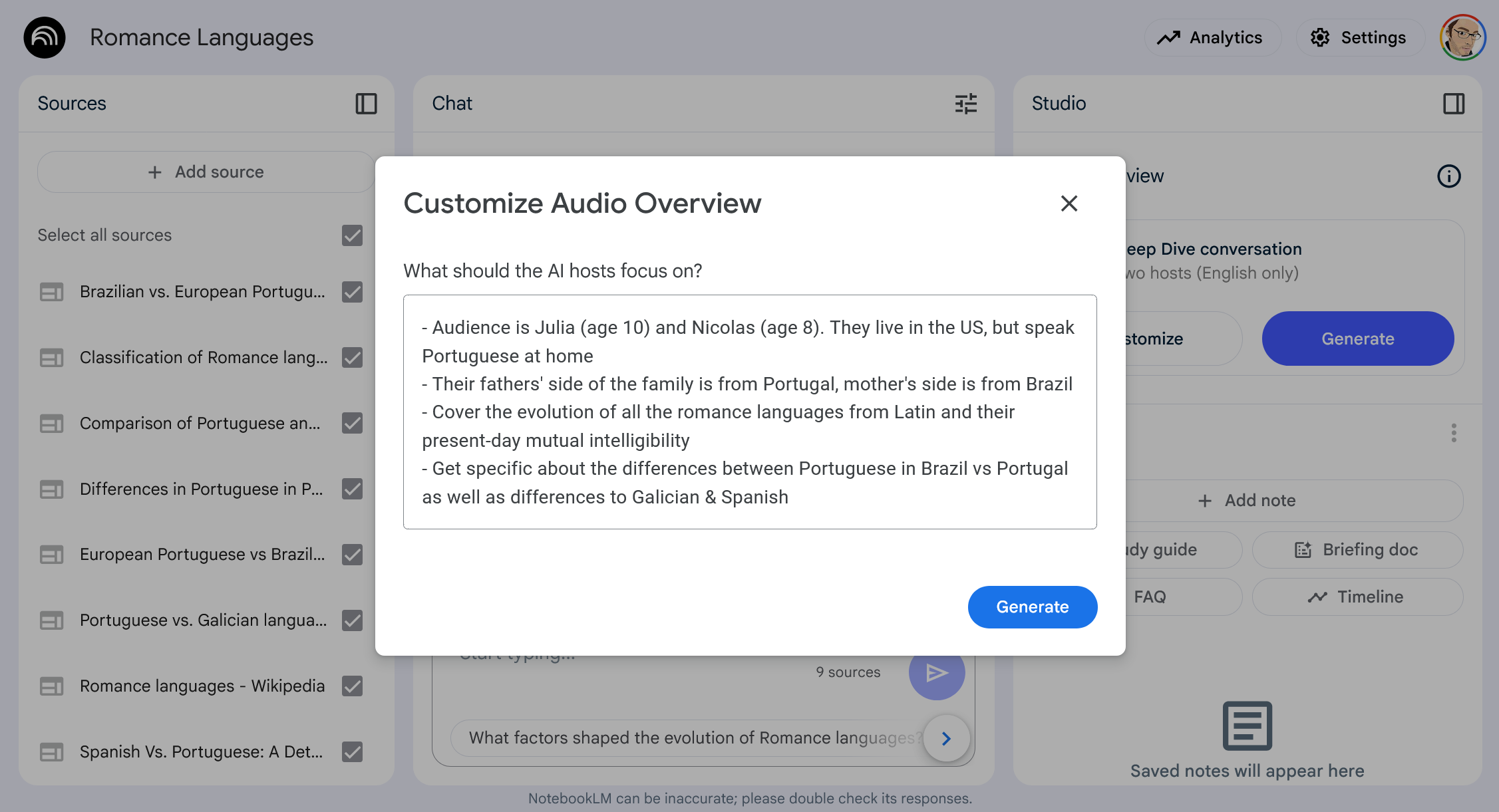
Without custom instructions, you’ll get a generic podcast, which will likely be tailored for adults and may not capture your kids’ attention. It’s way more fun to hit the “Customize” button in order to add your own prompt here.
The custom instructions are limited to around 500 characters, so you can’t go too crazy here. I like to do a mix of the following:
Include the kids’ names and ages. This helps the AI tailor the content to their level of understanding, also with the ability for their names to be mentioned once in a while.
Add some facts about them, or the family in general, to help keep things personal. For example, I might mention specific interests or experiences with the topic that can be woven into the podcast.
If there’s a specific aspect of the topic that I want to make sure gets covered (e.g. the temperament of Hinoxes in Zelda), I’ll add that into the prompt as well.
For some of the podcasts, I’ll include instructions to have a short quiz at the end, where the hosts will prompt the kids with questions and pause for a few seconds to give them time to answer.
You can also just have ChatGPT / Claude generate the prompt for you, they’re usually pretty good at keeping within the character limit.
Once you’ve got your prompt set, hit the “Create podcast” button and wait a few minutes for it to generate.
Generating the Episode Listing
While you’re waiting for the audio to generate, you can use this time to generate a title and description for the episode. I like to use the chat interface to ask for a title and description, for later use when uploading the episode.
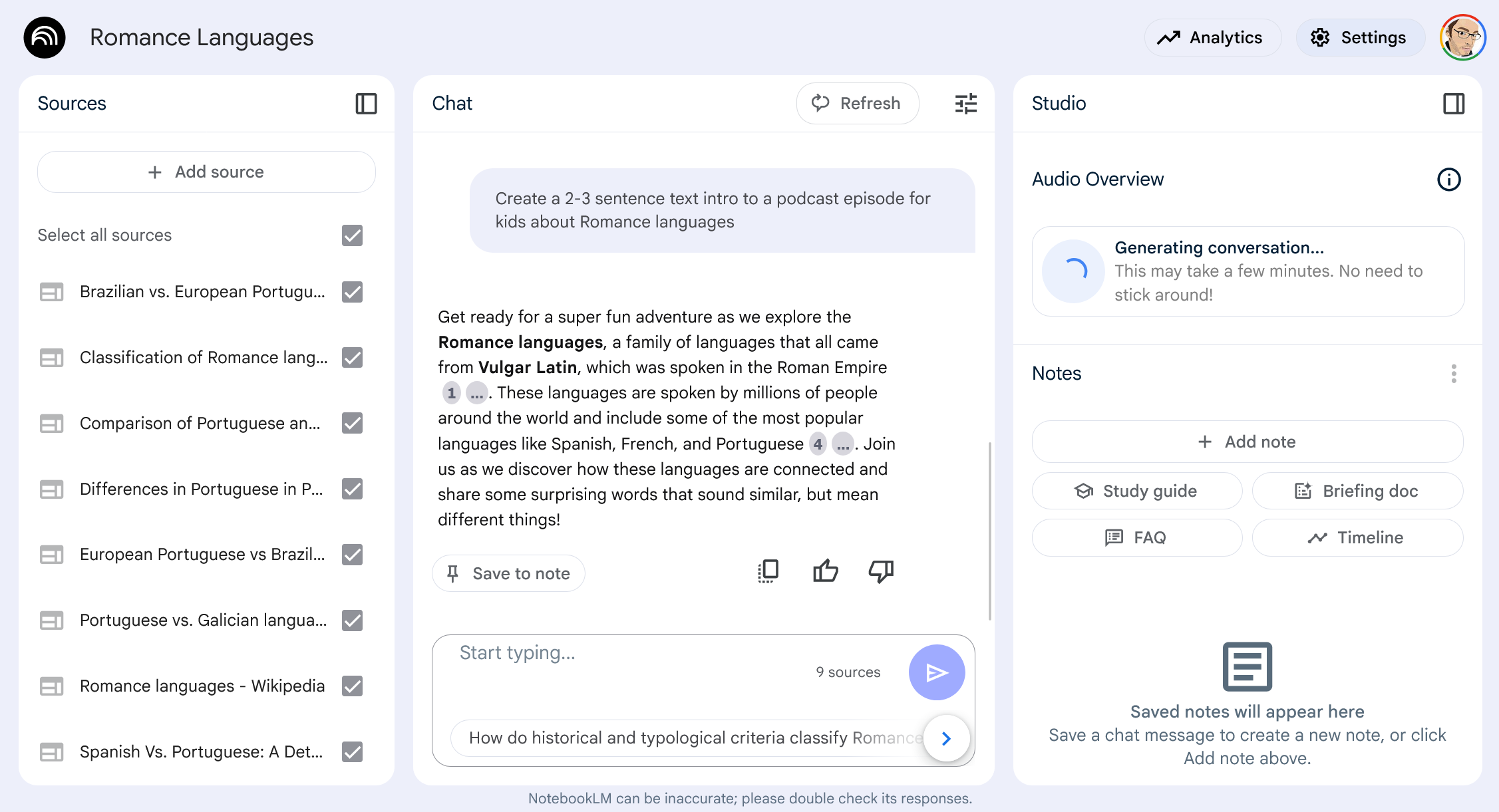
I also use this time to create a cover image for the episode using ChatGPT. I’ll either prompt directly or use a custom GPT like Cartoonize Yourself GPT. Generally, I ask for a cartoon image of the kids with the topic in the background, it usually takes a couple of revisions to get something decent.
Once the audio has generated, download it locally to your computer.
Publishing
Now that you’ve got the audio, text intro, and image you’re ready to publish the podcast. There are a ton of solutions out there, but I found the quickest and easiest way to get this done was via Spotify for Creators, which is free if you’re already a Spotify user.
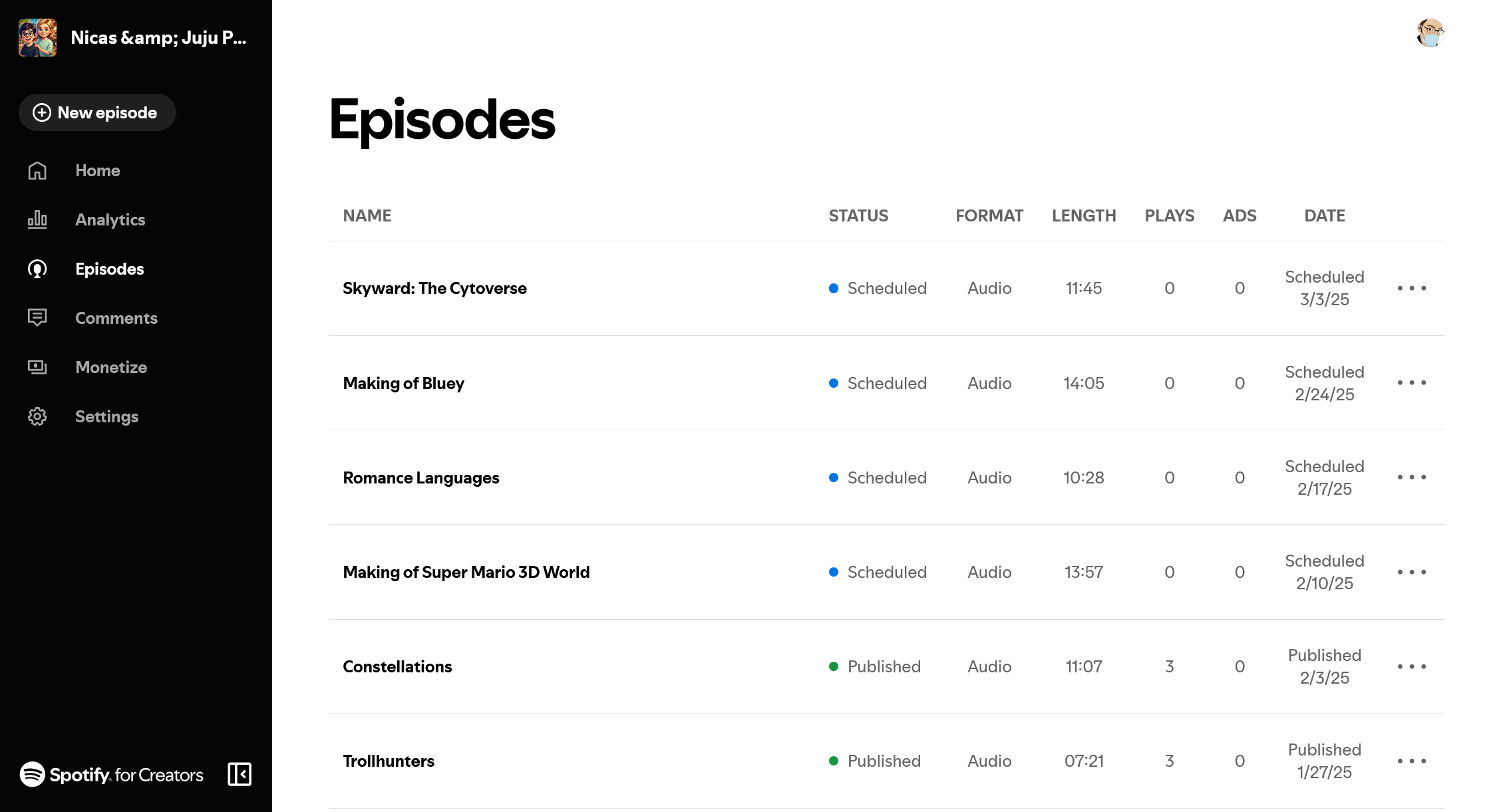
This part is even easier than the rest, so figure it out on your own. One recommendation I do have is to generate episodes in bulk, and then schedule them out. Given your (likely) advanced age, you’ll probably forget what you created so it’ll be a fun surprise for the whole family.
Listening
C’mon, you don’t really need help with this, do you?
PS: If you’re looking for non-AI-generated podcasts for kids, Strange Animals and Extinct Zoo are the best of the ones that resonated with my children.