2024 Personal Tech Stack
As a neckbeard who started coding in the 1900s, I’ve steadfastly held on to my terminal-centered workflow. You might think that using tools that are decades old would mean things are nice and stable, but due to childhood brain trauma I keep on tweaking and adjusting my setup.
So, in order to help the thousands of future historians dedicated to studying my life in the future, here’s a snapshot of my personal tech stack as of the end of 2024.
Too many machines, too many platforms
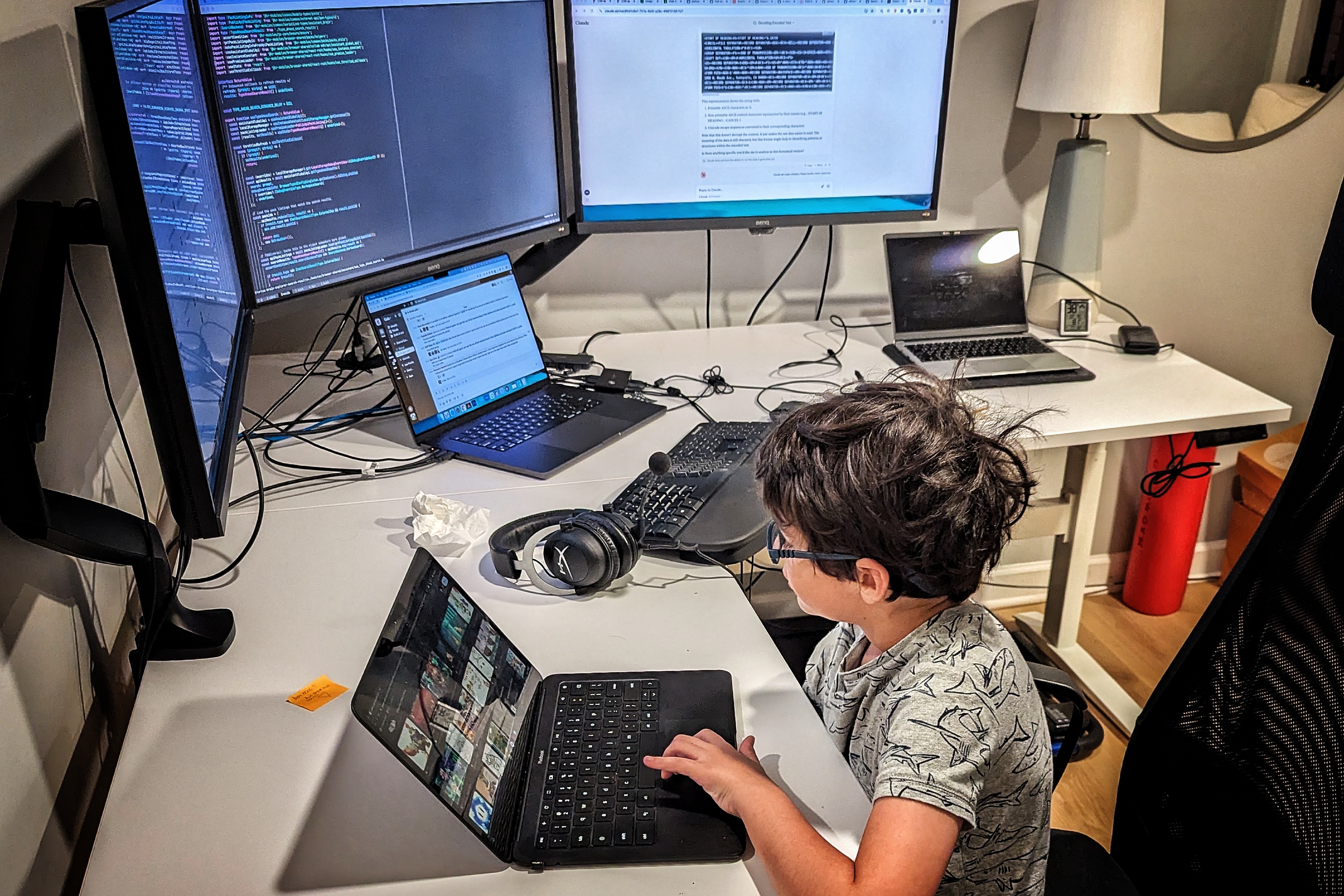
After over five years of not using macOS, I’m now on an M3 for my day-to-day development at Coda due to reasons beyond my control. This means I currently use:
- M3 MacBook Pro: My primary work driver. It’s hefty for a laptop, but is mostly plugged in, driving three monitors with ease.
- Desktop: A six-year-old random Dell with 64GB of RAM and plenty of drive space. Dual-boots Windows 11 and Debian Bookworm, but stays in Debian except for some occasional Windows gaming.
- Framework laptop: Runs Windows 11, with heavy use of WSL2 for CLI for testing and some personal use.
- Chromebook Pixel: For personal use and travel, it’s lightweight and has great battery life. Crostini Linux support is pretty great, so I keep my terminal.
- Headless server: For my home lab, runs Debian Bookworm. Gets ssh’d into and has a few long-running
tmuxsessions.
Swapping between these mostly works fine since I’ve invested a ton of time in order to normalize as much as possible (see below), but there are plenty of paper cuts especially with macOS since it’s the only BSD and doesn’t use apt.
In 2025, I’m hoping to simplify this a bit. I’d love to return to desktop Linux as my primary work environment.
Dotfiles
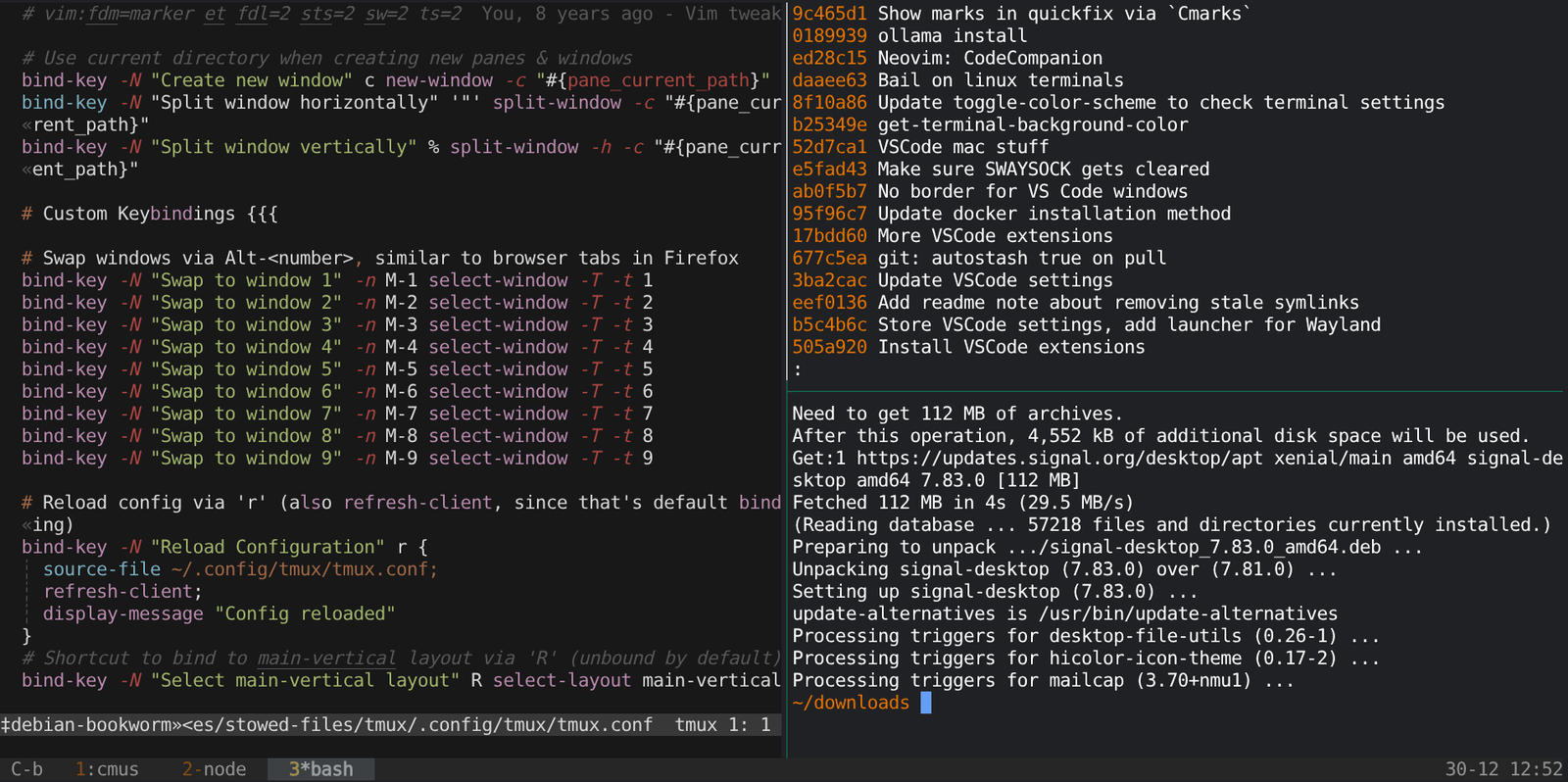
Over a decade ago, inspired by a coworker, I moved all my configuration files into a git repository and created some simple installation scripts.
Years later, I’ve changed pretty much everything about the setup. It started off as macOS only, then added Linux, followed by Chromebook via Crouton (IYKYK) and later Crostini, then added Windows via WSL2, removed macOS, and now macOS has returned again.
The core pieces are mostly unchanged throughout the years:
bash+tmux: I’ve donezshfor a while, but came back to bash due to incompatibilities. I’ve debated tryingzshagain but haven’t felt the need. Originally I started onscreen, since I learned that in the 1900s, buttmuxis actively developed and has been great.- Neovim: Moved from Vim a while back, and the ecosystem continues to mature very quickly. I try to use IDEs every once in a while, but thankfully the combination of LSP and Copilot being available in Neovim means I’m not missing out on much.
fzf,fd,ripgrep,eza,bat,zoxide: These next gen CLI tools are awesome and you should use them as well.cmus: Terminal-based music player that uses minimal resources and can be scripted. I love it.
My installation scripts set up all these tools and their configuration, so I can hop through different machines and keep a consistent experience.
Window management ends up being the biggest difference, with i3/Sway tiling window managers on Linux being far and away my favorite. Chromebook and Windows both have some decent built-in shortcuts, but macOS absolutely requires installing Rectangle in order to maintain any kind of efficiency.
I’ve tried switching to VS Code / Cursor, but it never sticks for more than a few days. There are still too many things that I do that are just much faster in a terminal.
LLM Tools
Although I’ve been working on an AI-powered product, only recently have I started to integrate LLMs into my terminal workflow (other than code completion via Copilot in Neovim).
My two favorites are:
llm: Fantastic CLI utility that connects to pretty much every LLM provider out there. I find myself using this all the time, some examples:
- Quick questions where I don’t want to open a browser
- Piping files / command output into it for summarization or transformation
- Drafting commit messages based on git diffs
I’ve done some experimenting with local models via ollama, it’s pretty neat to be able to run models locally, but it’s significantly slower than the cloud models and my use cases aren’t crazy so the monthly price is trivial anyway.
aider: This is a nice terminal-based AI coding assistant that can read your codebase, understand git history, and work iteratively on changes. It can use various models based on your API keys, and they have a very cool benchmark for new models as they come out. The pace of improvement here has been fast, and I’ve been able to partially outsource some small fixes.
Additionally, codecompanion.nvim is a nice Neovim plugin that also supports the major providers and lets you chat within Neovim. Very useful to be able to quickly move text between the editor and the chat (obviously, also possible via tmux, but vim registers are far more powerful).
Other 2024 Changes
I kept on getting nerd sniped into trying out some new tools or fixing things. Some examples:
- I pulled the trigger and switched my Linux desktop from X11/i3 to Wayland/Sway. This took a ton of work and in the end it’s maybe 5% better and a few things are worse.
- I moved from Alacritty to Foot and then finally to WezTerm. Looking back, this was mostly a distraction, as they’re all pretty similar these days. Ghostty looks promising but isn’t quite there yet.
There are probably other examples, but my brain is likely blocking them as a self-defense mechanism.
Non-Terminal Tools
- Signal Desktop: About half of my messaging is via Signal, maybe a third is WhatsApp, and the remainder are SMS (not including automated alerts, of course). Would love to have everyone on Signal, but it’s not realistic.
- 1Password: Moved over from LastPass many years ago and no regrets.
- Firefox & Chrome: I switched to Firefox as my primary browser for personal use, but have kept Chrome as my primary for work. Firefox on Android is awesome because you can run an ad blocker on it, which just makes the web actually somewhat usable.
- Coda: Unsurprisingly, I run a fair amount of my life via Coda docs, including a personal tracker / journal that probably deserves its own post.
- Spotify: Not perfect, but it works fine for me.
Misc Tools / Devices
They don’t live on my computer, but a few related things that I use (and enjoy) regularly:
- Treadmill desk: I’ve had a sit-stand desk for years, but this year I finally added a treadmill. I try to do most of my meetings while walking, and can comfortably do about 2.5 mph (4 km/h). For light coding, I can pull off around 1.5 mph (2.5 km/h), but generally for tougher things I sit down.
- Kindle: I’ve had a Kindle since the first one came out in 2007, and cannot imagine going back to paper books for reading. The portability (and built-in lighting) is too difficult to give up.
- Beryl AX Travel Router: Spent a fair amount of time on the road with family this year, and having a consistent private WiFi network at each location saves a ton of time. You only need to authenticate once per location, then all devices just connect automatically after that. This lets me also travel with a Chromecast and have it work everywhere. WireGuard is supported on the router, making it easy to access my network back home.
- Google Pixel 7: I moved over to Android some years ago when the cameras were (briefly) better than iOS and have stayed mostly due to inertia. The Pixel 7 is getting a bit old, so I’ll likely switch next year.
What’s next in 2025?
Everything’s changing so quickly, I won’t pretend to know. My biggest concern is that the Neovim ecosystem may not be able to keep up with the polish and integration of AI tools in VS Code and friends. The vim bindings aren’t bad, but I’ve optimized so much in tmux / Neovim that I always feel slower in VS Code.
Or maybe I’ll finally realize that tweaking my vim setup for the hundredth time is squandering the precious little time I have left on this earth and if I just spent a fraction of that effort into my mental and physical health I could be so much happier.
Oh, and also yazi looks like a potential replacement for vifm!